
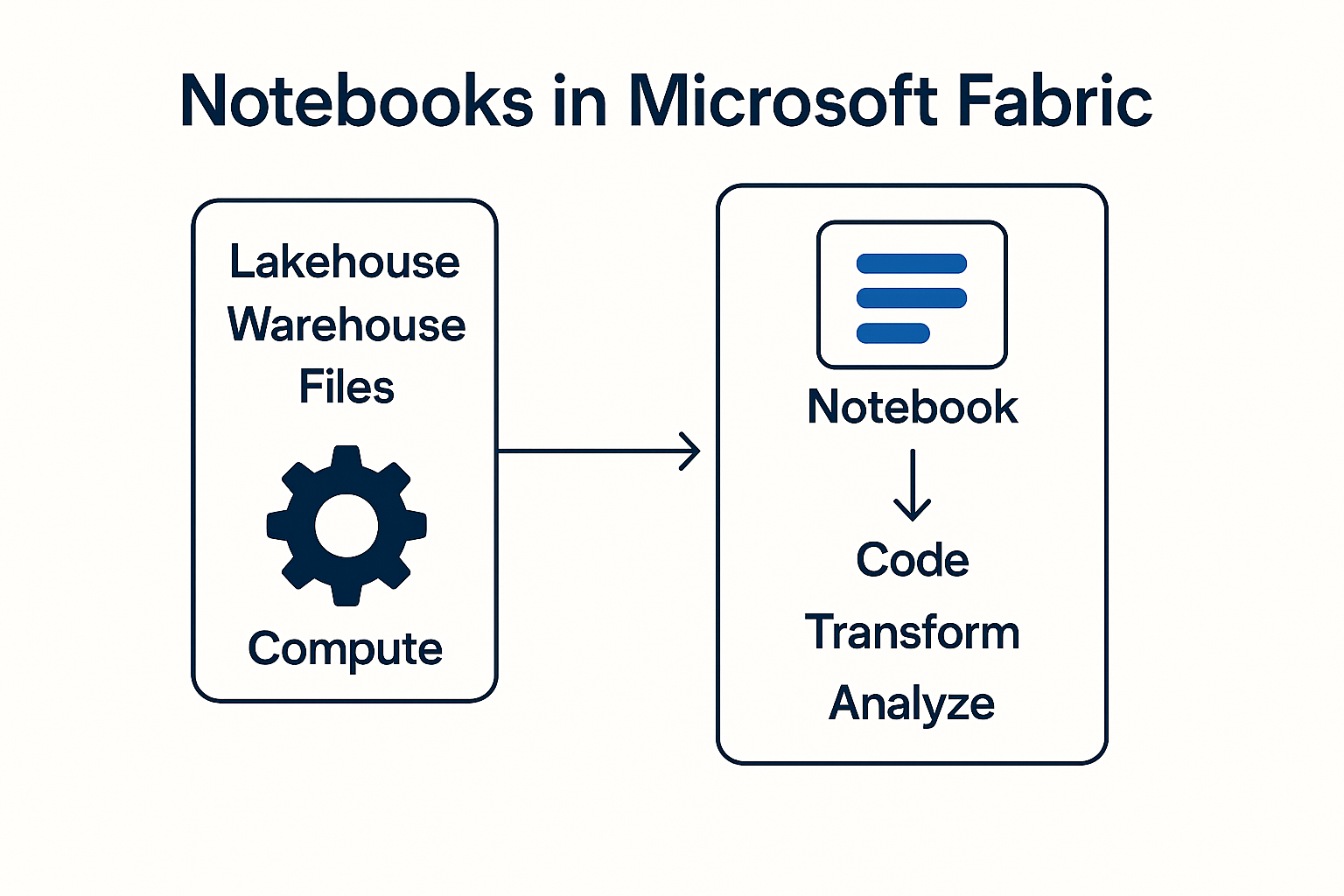
Microsoft Fabric combines data integration, analysis, data science and real-time processing in a single platform. A central tool within it: Notebooks.
They enable data engineers and analysts to execute code, transform data and automate processes - directly in the browser and closely interlinked with Lakehouse, Warehouse and Pipelines.
Internal project documents show that notebooks are used in particular for data cleansing, API automation, multi-threaded queries and machine learning scenarios.
Business Central APIs also have dependencies around outbound access and authentication, which is described in detail in your BC requirements documents.
What is a notebook in Microsoft Fabric?
A notebook is an interactive document that combines code cells (Python, SQL or Spark/PySpark), text cells and visualizations.
In Fabric, notebooks run in a Spark-based compute engine, supplemented by Pandas support for smaller amounts of data. This is confirmed in your internal test documentation.
Typical areas of application:
- Data cleansing (e.g. removal of incorrect NAV data)
- Transformation of large amounts of data (e.g. ledger entries from Business Central)
- API queries & automations (e.g. REST POST processes)
- Data science: train, test and deploy ML models (Fabric calls up models in the notebook and operationalizes them).
How do notebooks work technically?
1. spark cluster starts automatically
As soon as the notebook is executed, Fabric initializes a Spark compute cluster.
Advantages according to internal documentation:
- Extremely fast parallel processing
- Division of large tables into partitions
- Ideal for large NAV/BC data volumes, e.g. booking data
2. access to Lakehouse & Warehouse
Notebooks work directly with Lakehouse delta tables, but can also:
- Read CSV files from NAV exports
- Process JSON files
- Use SQL warehouse for queries
- Create or update views
3. mix of Spark & Pandas
- PySpark for large BC data load
- Pandas for smaller NAV files (e.g. article master data)
Internal notes explicitly recommend using Pandas for smaller files because the data types are automatically recognized better.
4. integration into pipelines
Notebooks can be run seamlessly through pipelines.
In the BC data flow, for example:
- Pipeline loads data → Notebook transforms data → Gold layer updated
- ML workflow: Pipeline loads raw data → Notebook performs scoring → Results end up in the lakehouse.
5. API automation
Internal team conversations describe how notebooks call REST APIs, e.g:
- Synchronization between CI-Journey and Fabric
- Business Central API calls via app registrations and outbound access protection settings
Notebooks are one of the most powerful tools in Microsoft Fabric.
They combine code, analysis and automation in a single, flexible environment.
- Flexible API connections
- Fast and scalable transformation
- Migration of historical NAV data
- Development of modern data architectures
- Implementation of machine learning use cases.
This makes notebooks an indispensable tool in any modern fabric data platform.
Do you have any questions or would you like to find out more about our methods? Get in touch with us - We show you how you can use your data for sustainable success.